
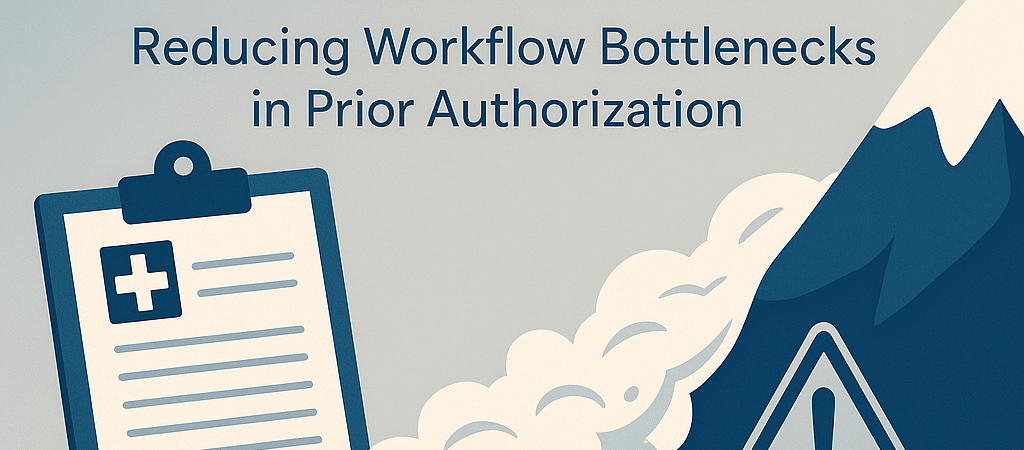
The Prior Auth Problem Isn’t Going Away
If you feel like getting a prior authorization approved takes longer than delivering care—you’re not alone.
Payers are expanding PA requirements across diagnostics, radiology, physical therapy, surgical consults, and even standard medications. As a result:
- Appointments get delayed
- Providers get frustrated
- Cash flow gets blocked
- Patients cancel or drop off care
And most dangerously? Claims get denied when PAs aren’t filed—or not filed fast enough.
What’s Causing the PA Bottleneck?
Prior authorization delays are often caused by a combination of:
- Disjointed workflows between scheduling, clinical teams, and billing staff
- Manual processes that rely on paper faxes, spreadsheets, or phone calls
- Knowledge gaps about payer-specific requirements or authorization portals
- Task ownership confusion, where no one clearly owns the PA until it’s overdue
The good news? These issues are solvable—with a hybrid approach.
A Three-Part Hybrid Strategy to Reduce PA Delays
To reduce the impact of the PA avalanche, we recommend a three-part strategy that blends automation, centralization, and education.
1. Payer-Specific Automation Tools
Not all prior auths can be automated—but many can be streamlined using payer-specific tools and EHR integrations.
Tactics:
- Use EHR-integrated platforms (e.g., Availity, Parachute Health, CoverMyMeds) to auto-initiate auths at the time of scheduling
- Set up payer-specific checklists to reduce back-and-forth requests
- Use AI-driven systems that can auto-fill forms based on order and diagnosis
Pro Tip: Focus automation first on high-volume services (e.g., MRIs, CTs, echocardiograms)
2. Centralized PA Task Queues
When PA tasks live in scattered inboxes or spreadsheets, things fall through the cracks. A centralized queue ensures visibility, accountability, and scalability.
Tactics:
- Create a dedicated “PA Team” or queue in your EHR or project management system (e.g., Asana, Zoho Projects, Epic workqueues)
- Use color-coded statuses: Pending Request, Waiting on Records, Submitted, Approved, Denied
- Assign real-time dashboards to show how many PAs are in progress per payer or per modality
Pro Tip: Centralized queues reduce burnout by removing last-minute scrambles before patient arrival.
3. Staff Training + Payer Protocol Refreshers
The front desk and scheduling staff are often the first—and last—chance to catch PA requirements. But if they don’t know what’s required, delays begin at Day 1.
Tactics:
- Monthly mini-trainings on top 5 payers’ PA requirements by service line
- Provide laminated “PA Cheat Sheets” at every desk
- Empower staff to flag questionable orders in real-time
Pro Tip: Build a shared knowledge base in your team chat or intranet with links to each payer’s current PA portal and requirements.
Monitor and Adapt Monthly
Reducing PA delays isn’t a one-time fix—it’s an ongoing system. Track:
- Turnaround time from order to approval
- Top 10 delayed PA codes
- Approval vs. denial rates by payer
- Number of rework tasks due to missing info
And adjust your training, automation logic, and team structure accordingly.
Final Thought
The prior authorization avalanche won’t stop—but your team doesn’t have to get buried by it.
✅ Automate what you can
✅ Centralize what matters
✅ Train everyone who touches the process
Better PAs lead to faster care, fewer denials, and stronger revenue.